An End-to-End Platform for Managing Business Sales
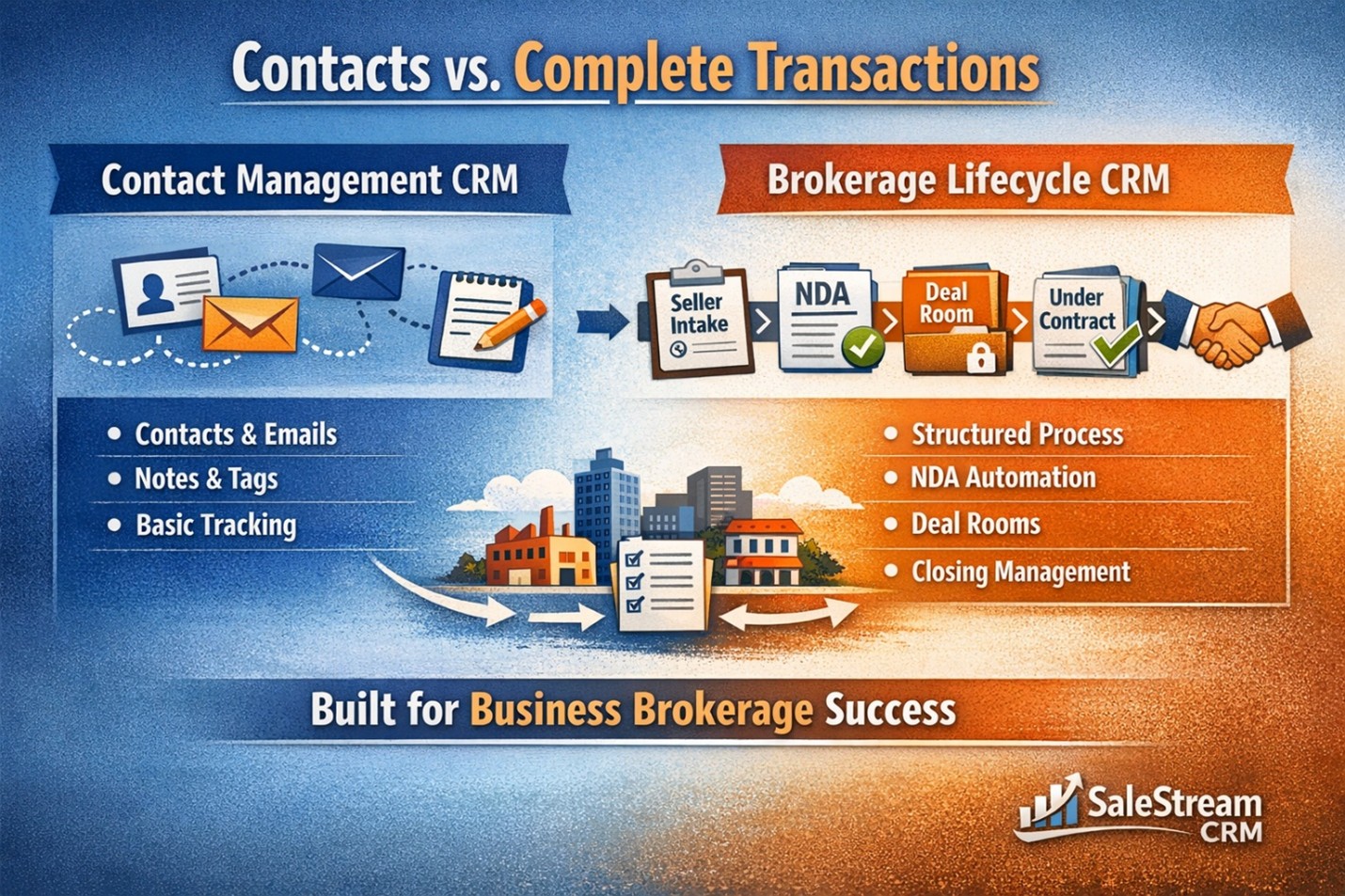
SalesStream CRM is a custom-built system designed specifically to manage the full lifecycle of buying and selling businesses. It brings together client management, document handling, deal tracking, and automation into one centralized platform.
1. Platform Purpose & Design
What SalesStream CRM Does
- Manages business sale transactions from first contact through closing
- Centralizes communication, documents, tasks, and timelines
- Automates repetitive steps while maintaining confidentiality and control
How It’s Built
- Custom-developed (not off-the-shelf software)
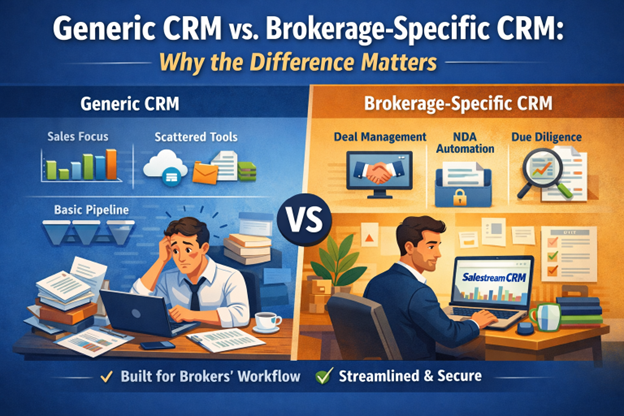
- Designed specifically for business brokerage workflows
- Scales across multiple deals, users, and transaction types simultaneously
2. Contact-Centered System
Contacts Are the Foundation
Every interaction in the system starts with a contact.
Types of Contacts
- Sellers
- Buyers
- Outside brokers
- Bankers
- Attorneys
- Landlords
- Accountants
- Internal team members
Each contact has:
- A secure user account
- Notes and interaction history
- Associated listings, interests, tasks, and documents
3. Secure User Access & Login
Account Activation
- Users receive an email invitation
- They activate their account and choose a login method
Two Login Options
- One-time email code (passwordless login)
- Traditional password (with reset option)
This ensures ease of access while maintaining security.
4. Seller Intake & Business Valuation (BVI)
Business Valuation Intake (BVI)
- A detailed online questionnaire completed by sellers
- Collects all critical business information upfront
Information Collected Includes
- Business identity and operations
- Financial structure and costs
- Employees and payroll
- Lease or real estate details
- Landlord relationships
- Growth opportunities and challenges
- Strengths, weaknesses, and competitive position
- Franchise and licensing status
Key Features
- 35–40 structured questions
- Sellers can save progress and return later
- Submitted BVIs automatically convert into listings
5. Listings & Broker Assignment
Automatic Listing Creation
- Once a BVI is submitted, it becomes a listing in the system
- Initially placed in a “prospects” stage
Broker Assignment
- Admins assign the appropriate broker
- Assignment triggers the next phase of automation
6. Deal Rooms & Document Management
Deal Rooms (Secure Data Rooms)
- Automatically created upon broker assignment
- Used to collect and share confidential documents
Seller Uploads Typically Include
- 3 years of financial statements
- Tax returns
- Profit & loss statements
- Balance sheets
- Inventory reports
Notifications
- Brokers are alerted instantly when documents are uploaded
7. Financial Review & Listing Approval
Broker Review Process
- Financial analysis is performed internally
- Broker and seller discuss:
- Pricing strategy
- Market positioning
- Commission structure
Once agreed, the listing is approved for marketing.
8. AI-Generated Listings & CIMs
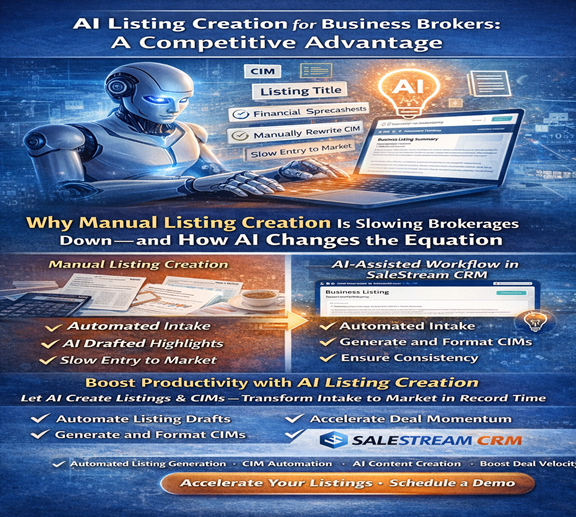
AI-Powered Listing Creation
- Uses seller data and online links to generate professional materials
Two Versions Are Created
- Public Description (Pre-NDA)
- Non-identifying overview
- Used for marketing and lead generation
- Confidential Information Memorandum (CIM)
- Full business details
- Financial snapshots
- Address and operations
- SWOT analysis
- FAQs, demographics, highlights, pros & cons
This ensures confidentiality is maintained until legal protections are in place.
9. Buyer Experience & NDA Workflow
Buyer Access
- Buyers view public listings online
- To see full details, they must sign a confidentiality agreement (NDA)
NDA Process
- Buyers answer qualifying questions (including broker status)
- NDA is signed digitally
Automated Outcome
- Upon signing, the page instantly unlocks the full CIM
- A secure document folder is shared automatically (when applicable)
10. Controlled & Manual NDA Approval (Sensitive Listings)
For certain listings (e.g., law firms or regulated businesses):
- NDA submission does not automatically grant access
- Broker reviews buyer qualifications
- NDA is manually approved or rejected
Buyer Notification
- Approved buyers receive access and an email confirmation
- Rejected buyers receive no confidential information
11. Interest Tracking & Buyer Management
Interest Panel
- Tracks every buyer’s interaction with a listing
- Statuses include:
- Inquiry only
- NDA submitted
- NDA approved/rejected
- Active discussion
- Not interested
Rich Activity History
- Call summaries
- Meeting summaries
- Notes and qualification details
- Financial capability and preferences
12. Tasks & Follow-Ups
Smart Task Creation
- Tasks auto-populate with client details
- No manual re-entry of names or contact info
Examples
- Follow-up calls
- Document requests
- Status updates
Tasks are tracked as:
- Due
- Overdue
- Completed
- Upcoming
13. Projects & Deal Management (Under Contract)
Projects Represent Active Deals
- Created when a listing goes under contract
- Used to manage the closing process
Template-Driven Workflows
- Different templates for different deal types (e.g., liquor stores)
- Each template includes:
- 30–40 predefined steps
- Time-based triggers
- Assigned team members
Examples of Managed Activities
- Earnest money deadlines
- Due diligence
- Inspections
- Financing (SBA or conventional)
- Lease assignments
- Licensing and regulatory approvals
- Closing coordination
Visual Status Tracking
- Tasks automatically categorized
- Overdue items flagged
- Progress visible at a glance
14. Communication & Activity Logging
Integrated Call & Meeting Summaries
- Phone calls generate automatic summaries
- Zoom meetings generate automatic summaries
- All notes are attached to:
- Contacts
- Listings
- Buyer interests
This creates a complete, auditable history of every interaction.
15. Security, Control & Scalability
Built-In Safeguards
- Controlled document access
- Time-limited deal rooms
- NDA-based visibility
- Role-based permissions
Designed for Scale
- Handles multiple listings and transactions at once
- Supports growing teams without losing organization
16. Overall Value Proposition
SalesStream CRM
- Replaces fragmented tools with one unified system
- Reduces manual work and human error
- Protects confidentiality at every stage
- Improves speed, accuracy, and professionalism
- Provides full visibility across all deals and stakeholders