Blog

SaleStream CRM vs DealRelations | Best CRM for Business Brokers

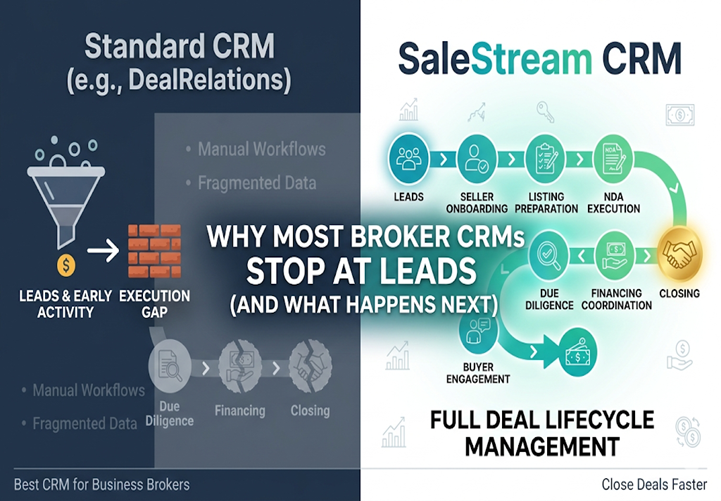
Why Most Broker CRMs Stop at Leads (And What Happens Next)

The Lead Trap Most Brokers Fall Into
In business brokerage, there is a strong focus on generating leads.
More buyers.
More inquiries.
More listings.
And CRM platforms are built to support that.
Systems like DealRelations do a solid job helping brokers manage contacts and track early-stage activity.
But there is a critical gap:
What happens after the lead?

Why Leads Don’t Equal Closings
Capturing a lead is just the starting point.
From there, a deal must move through:
Seller onboarding
Listing preparation
NDA execution
Buyer engagement
Due diligence
Financing coordination
Closing
Each step introduces risk.
Each step requires structure.
And each step is where deals can fail.

Where Many CRM Platforms Fall Short
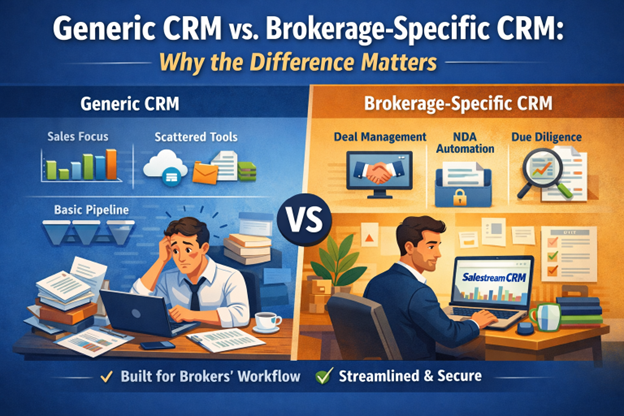
CRMs like DealRelations focus primarily on:
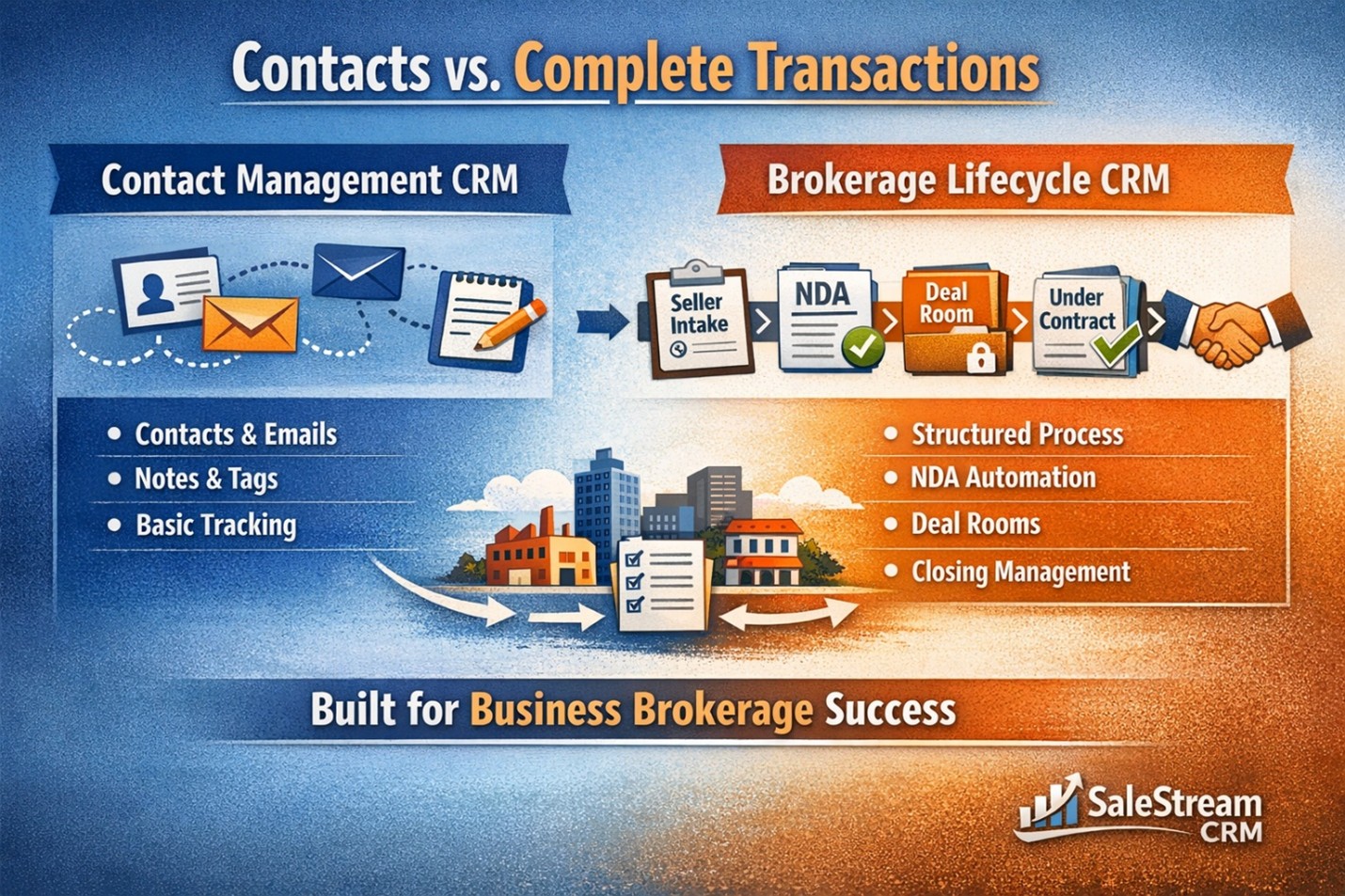
Contact management
Pipeline visibility
Lead tracking
But when deals become active:
Workflows are manual
Task tracking is inconsistent
Documents are handled externally
Brokers rely on email and spreadsheets
The CRM becomes a record-keeping tool—not an execution system.

The Execution Gap That Costs Deals
Without a structured system:
Follow-ups are delayed
Deadlines are missed
Communication becomes fragmented
Buyer momentum slows
And deals begin to stall.
Not because the opportunity was weak.
But because the process wasn’t controlled.

SaleStream CRM: Built for the Entire Deal Lifecycle
SaleStream CRM was designed to eliminate this gap.
It does not stop at lead management.
It manages the entire deal lifecycle—from start to close.

From Seller Intake to Listing Creation
Instead of manual onboarding:
Sellers complete structured intake forms
Listings are created automatically
Data is standardized from the beginning
This accelerates time-to-market and improves listing quality.

Seamless NDA and Buyer Engagement
Instead of multi-step workflows:
Buyers sign NDA
CIM loads instantly
Deal room access is granted automatically
No friction. No delays.

Integrated Deal Rooms
Unlike external document tools:
Deal rooms are built into the system
Documents are organized automatically
Access is controlled and time-limited
Everything stays aligned with the deal.

Structured Under-Contract Workflows
When a deal moves forward:
Tasks are created automatically
Deadlines are calculated
Responsibilities are assigned
This ensures consistent execution across every transaction.

Real-Time Deal Visibility
Brokers can instantly see:
What is completed
What is pending
What is overdue
This allows proactive management and faster decision-making.

The Difference Between Tracking and Executing
Most CRM platforms help brokers track activity.
SaleStream CRM helps brokers execute deals.
That difference defines outcomes.
Because:
Tracking shows progress
Execution drives results

Why This Matters for Scaling
As your brokerage grows:
Deal volume increases
Complexity rises
Risk multiplies
Without a structured system, growth creates inefficiency.
With SaleStream CRM, growth remains controlled and predictable.

The Real Advantage: Closing More Deals
When execution is structured:
Deals move faster
Errors are reduced
Buyers stay engaged
Closing rates improve
This is where real growth happens.

Final Thought
Most CRM platforms are built to help you start deals.
Very few are built to help you finish them.
If your system stops at lead management, you are leaving deals—and revenue—on the table.
SaleStream CRM ensures every deal has the structure it needs to reach the finish line.

Share This Blog Post

Leave a Comment

Your email address will not be published. Required fields are marked *

Related Articles

You May Also Like

Continue reading insights on listings, NDAs, deal management, and closing workflows. Learn how smarter workflows and automation help teams save time and close more deals.

See SaleStream in Action

A short walkthrough tailored to how your brokerage operates. No pressure. No obligation.

What you’ll see

Who it’s for

Request a demo
We’ll confirm a time by email. (Connect to Calendly or your booking flow.)
Scroll to Top